Run the branch: stock, buying and money.
On hand across branches, the counter, purchasing, receivables, payables and rebates, with the books sent on to QuickBooks Online.
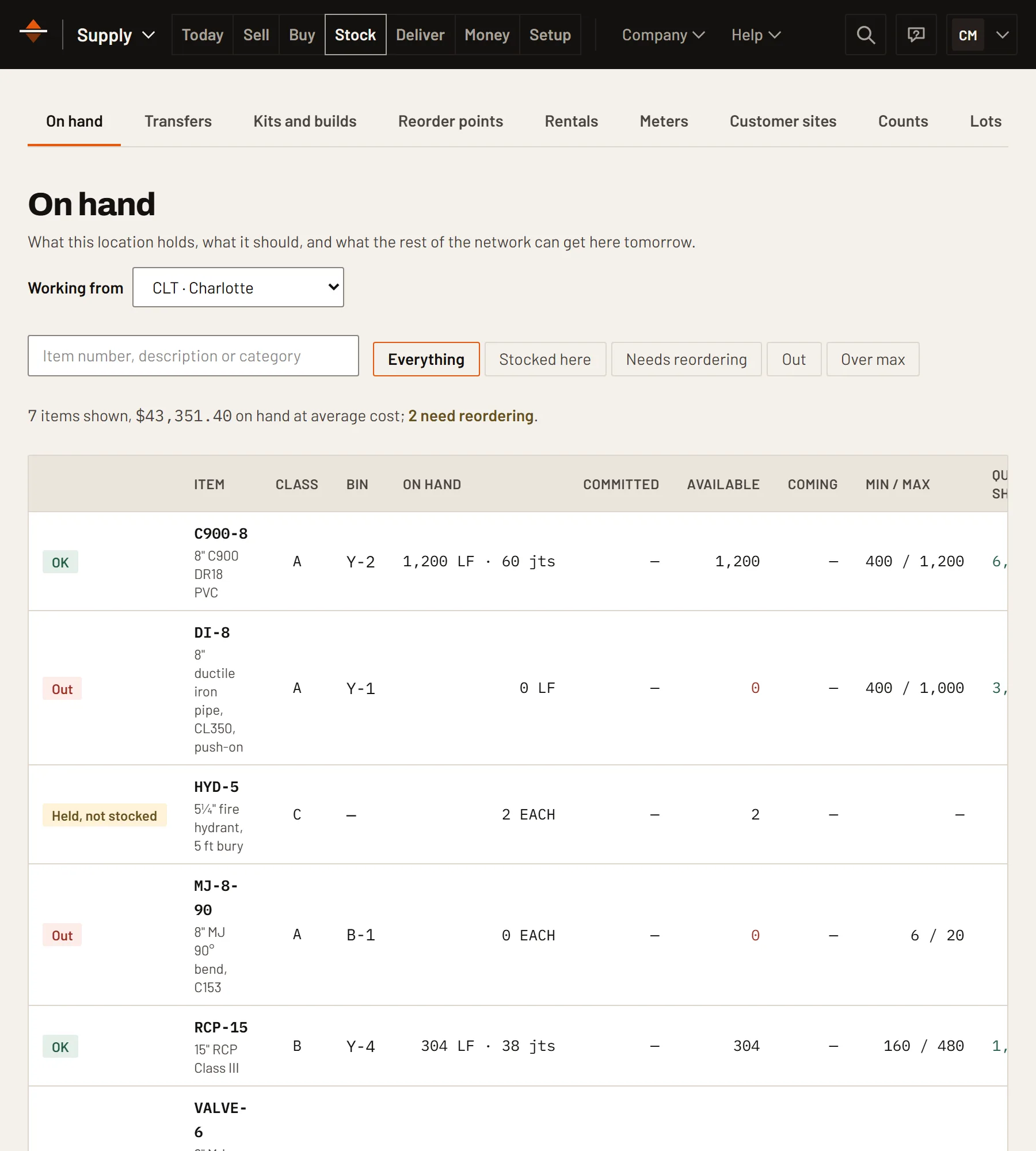
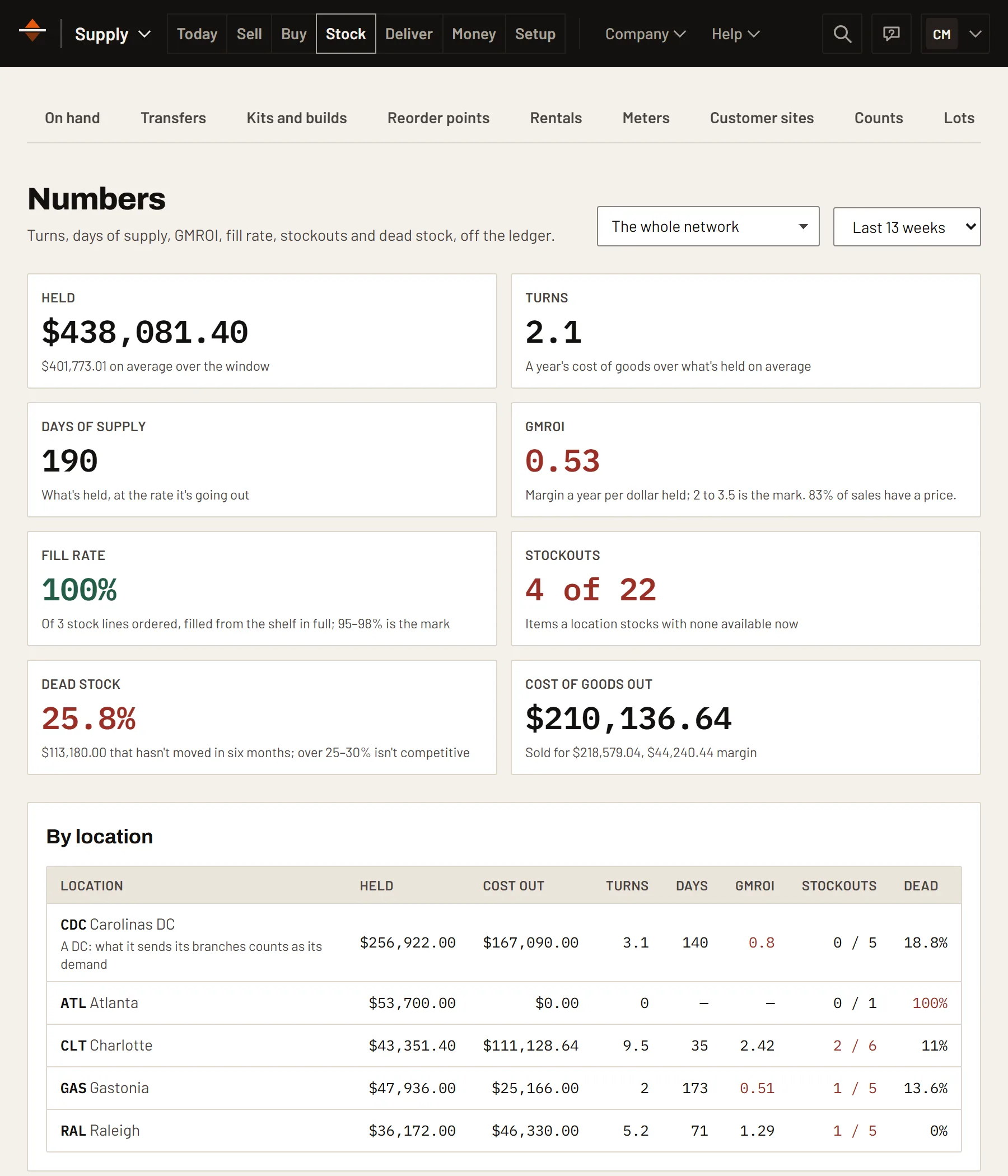
See which stock earns its shelf.
Turns, days of supply, GMROI, fill rate, stockouts and dead stock, by location, from what actually sold.
- Replenish from a sister branch before you buy
- Min and max by branch
- What the whole network holds
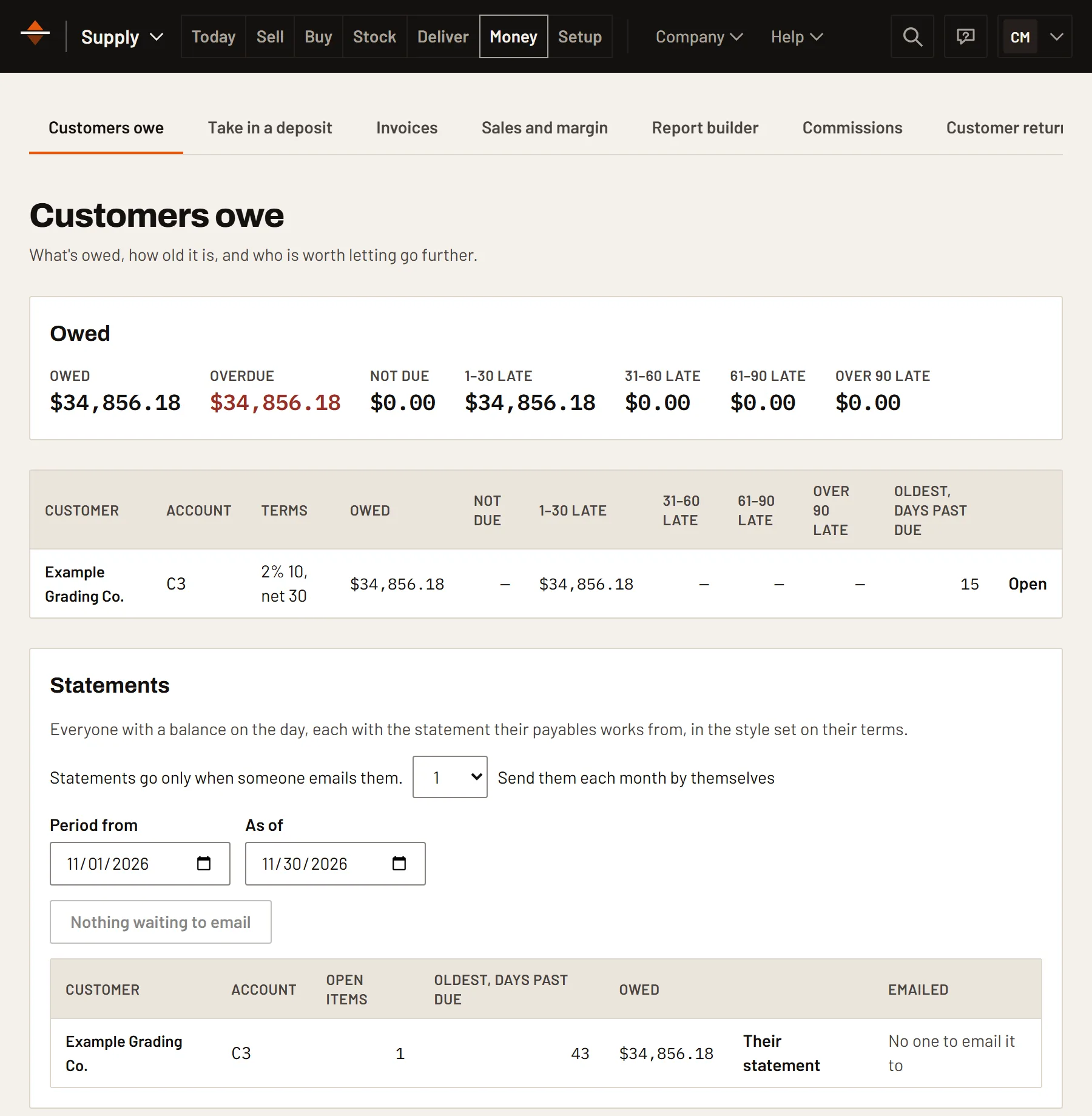
Know who owes what, and for how long.
Aging, payments, statements and early-payment discounts, by customer. On the other side, vendor bills matched three ways and a check run that takes every discount.
More in Supply Manage.
- The counterPriced from the matrix, credit checked.
- PurchasingAcknowledgements and dates, line by line.
- Vendor costs from a dateOpen POs keep their price.
- Vendor scorecardsLead times from real receipts.
- Check runsEvery discount taken.
- RebatesClaimed sale by sale, reconciled when paid.
- QuickBooks OnlineInvoices, payments and bills, each sent once.
- Branches and DCsOn hand, committed and available.
Manage works on its own.
Add another module when you want the numbers to carry across instead of being typed again.
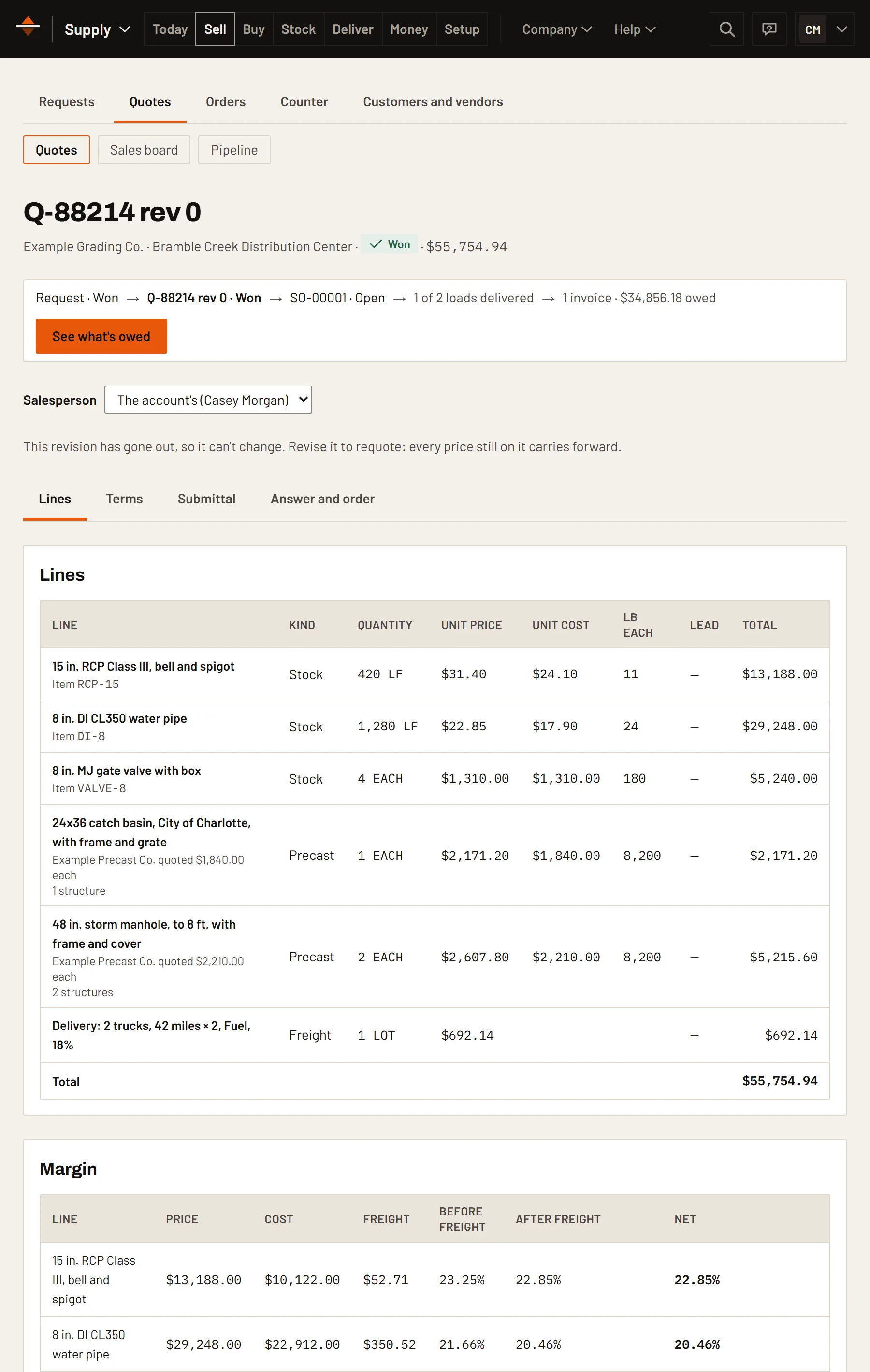
Supply Bid
Quotes built from the contractor's takeoff, priced from your matrix, with freight and rebates counted in each line's margin.
See Supply Bid →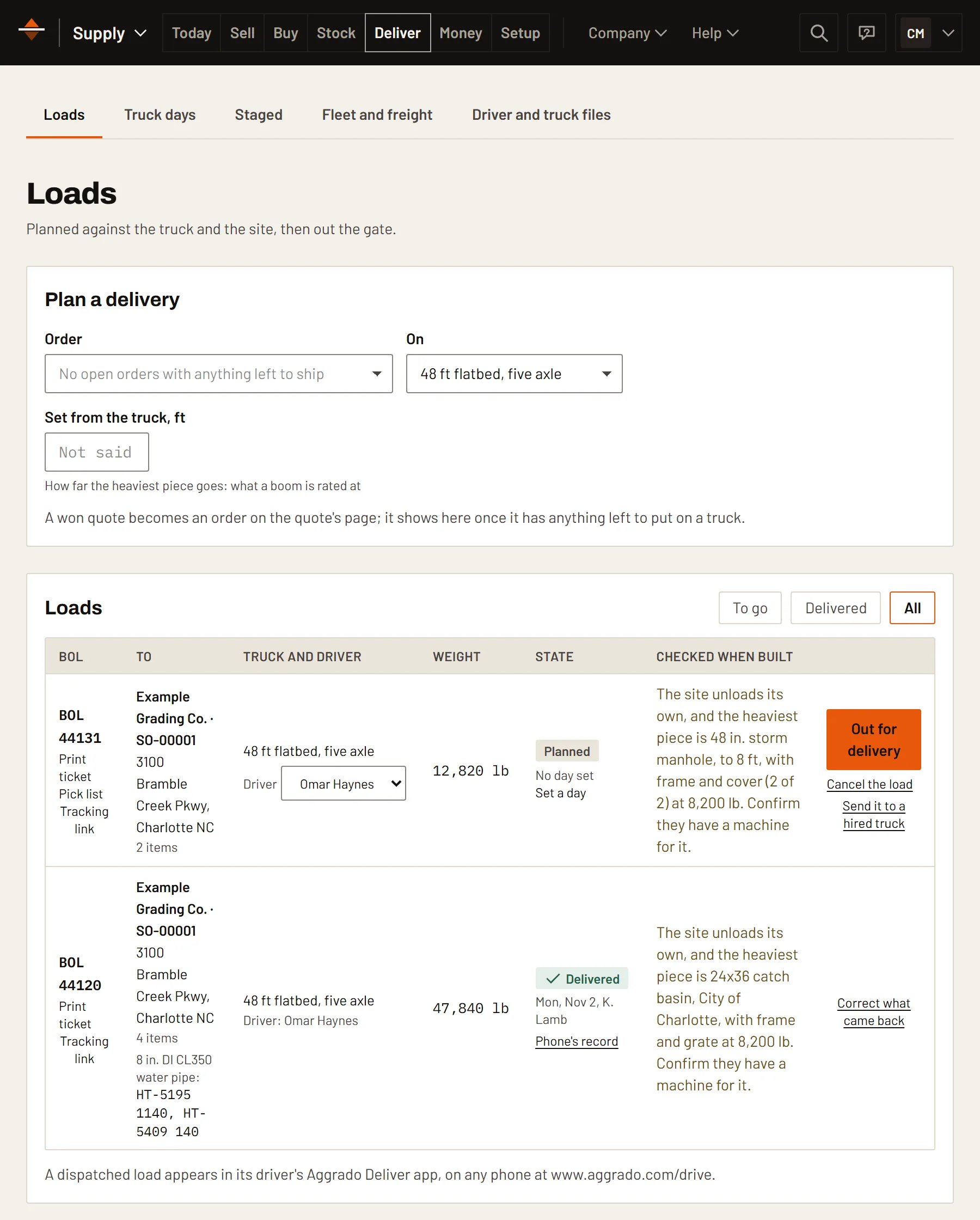
Supply Deliver
Legal loads built from what the job still needs, the day told to the contractor, and proof of delivery with photos and a signature.
See Supply Deliver →Put Supply Manage on your next job.
It's in early access: leave your email and we'll set it up with you.